You're flying blind without visibility into customer conversations.
Zero Visibility
Your chatbot handles hundreds of conversations, but you have no idea what customers are actually asking. You’re missing valuable insights hiding in every chat.
Can't Intervene
When a customer has a complex question or gets frustrated, there’s no way to step in and help. The AI is on its own, even when it shouldn’t be.
Missed Conversations
Hot leads asking about pricing, frustrated customers about to churn, urgent issues that need human attention – they all slip through without anyone noticing.
No Learning Loop
Your AI makes the same mistakes repeatedly because there’s no way to correct it. Every wrong answer is a missed opportunity to improve.
How It Works
Get started in minutes
1
View all conversations
See every chat in a unified inbox. Filter by date, satisfaction rating, or conversation status.
2
Get notified when needed
Receive alerts when customers request human help or when the AI can’t answer a question.
3
Take over seamlessly
Jump into any conversation with full context. The customer sees a smooth handoff, not a restart.
4
Improve AI from conversations
Add corrections and new information. Your AI learns from every interaction you review.
Benefits
What you get
Unified Inbox
All conversations in one place. Search, filter, and export chat history easily.
Smart Notifications
Get alerted via email or Slack when human help is needed. Never miss important conversations.
Seamless Live Chat
Take over conversations in real-time. Customers get help without starting over.
Continuous Improvement
Review and correct AI responses. Your chatbot gets smarter with every interaction.
Powerful yet simple to use
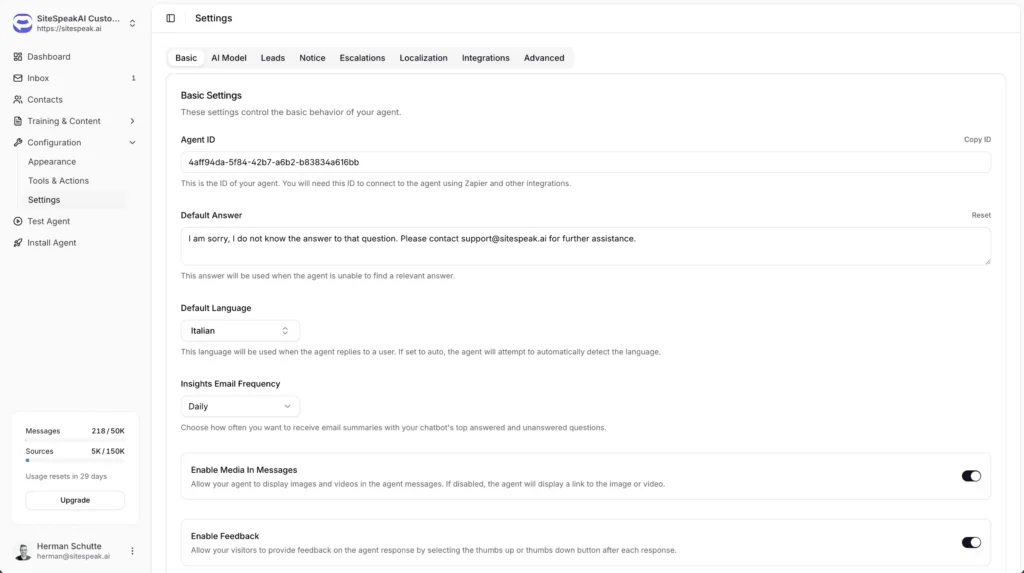
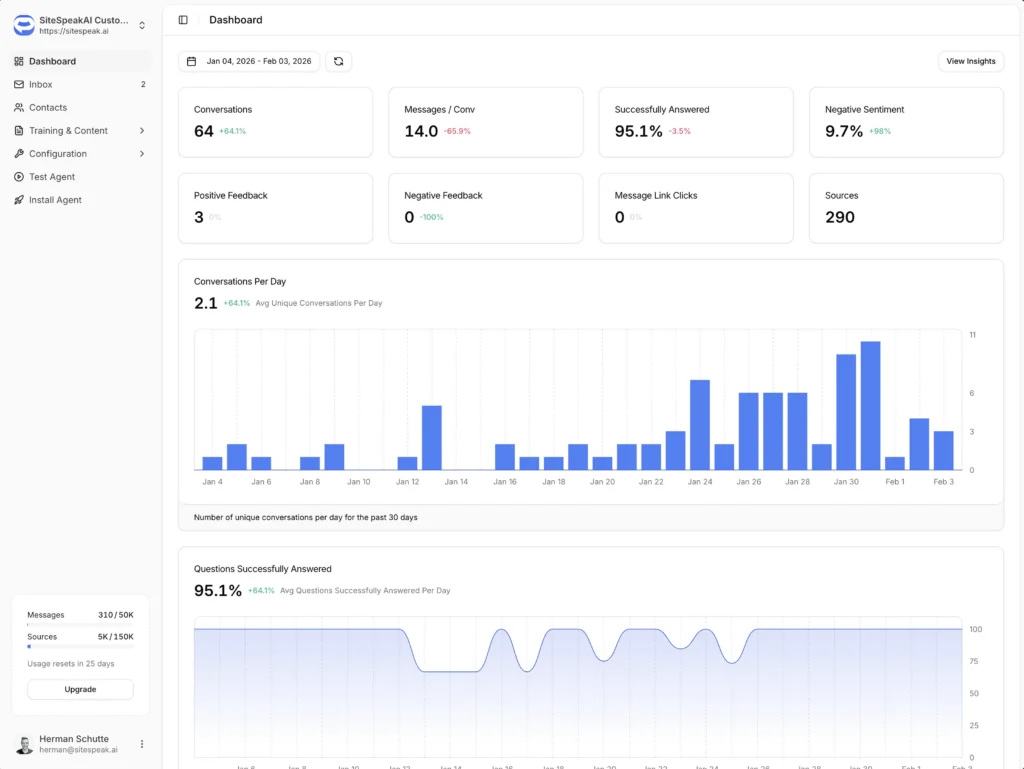
Everything you need is just a few clicks away. Our intuitive interface makes it easy to configure, customize, and deploy your AI assistant without any technical expertise.
Intuitive dashboard with real-time updates
No coding required to get started
Live preview as you customize
Will Guthrie
Digital Marketing Manager
The platform is very intuitive to set up and use. I was able to train the chatbot directly from our site maps with ease.
Use Cases
Who benefits most
Support Teams
Monitor AI conversations and step in for complex issues that need human expertise.
Sales Teams
Jump into conversations with hot leads who are ready to buy or have specific questions.
Customer Success
Identify struggling customers and proactively reach out to help.
Use Cases
Frequently asked questions
Everything you need to know about SiteSpeakAI. Can’t find what you’re looking for? Start a free trial and see it in action.
How do I know when to take over a conversation?
You can set up escalation triggers based on keywords, customer requests for human help, or when the AI indicates low confidence. You’ll receive notifications via email or Slack.
Can multiple team members use the inbox?
Yes. You can invite team members and assign conversations. Everyone sees the same inbox and can collaborate on responses.
Is conversation history saved?
Yes, all conversations are saved and searchable. You can export chat history as CSV for analysis or record-keeping.
Can I correct AI responses?
Yes. When reviewing conversations, you can add corrections that the AI will learn from. This helps improve accuracy over time.
Explore More
Related features
Lead Capture
Every chat is an opportunity. Your AI captures contact information...