







Add an AI Assistant to Your Showit Website in Minutes
loved by 1000+ customers
Trusted by 1,000+ businesses across SaaS, e-commerce, and agencies
Features designed to grow your creative business
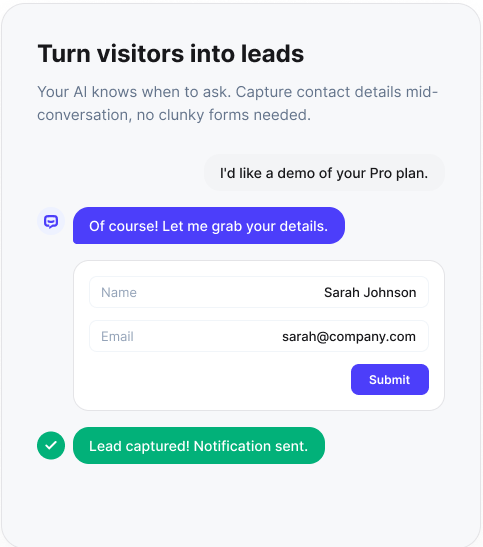
Capture leads 24/7
Never miss a lead, even when you're busy creating

Will Guthrie
Digital Marketing Manager
Get your dream clients
Pre-qualify every inquiry automatically

Dave Strand
Founder
Automate bookings
Fill your calendar without lifting a finger

Marty Englander
Marketer
Save your time
Answer common questions instantly

Grzegorz Ścisło
CEO of e-point International
AI chatbot for Showit websites
Capture inquiries while you are creating
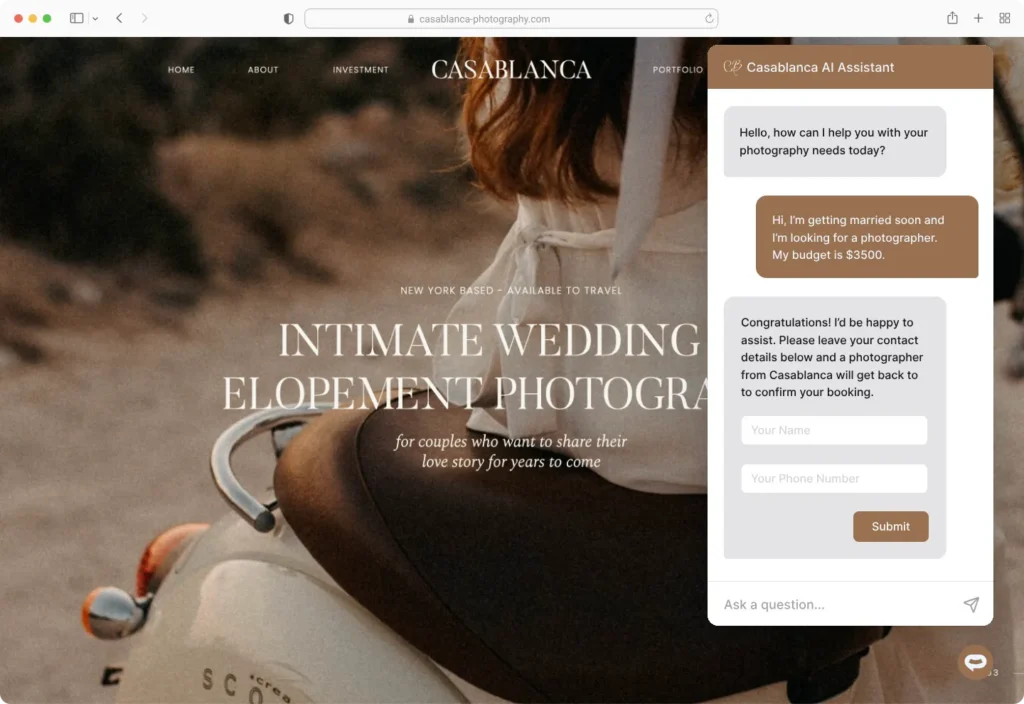
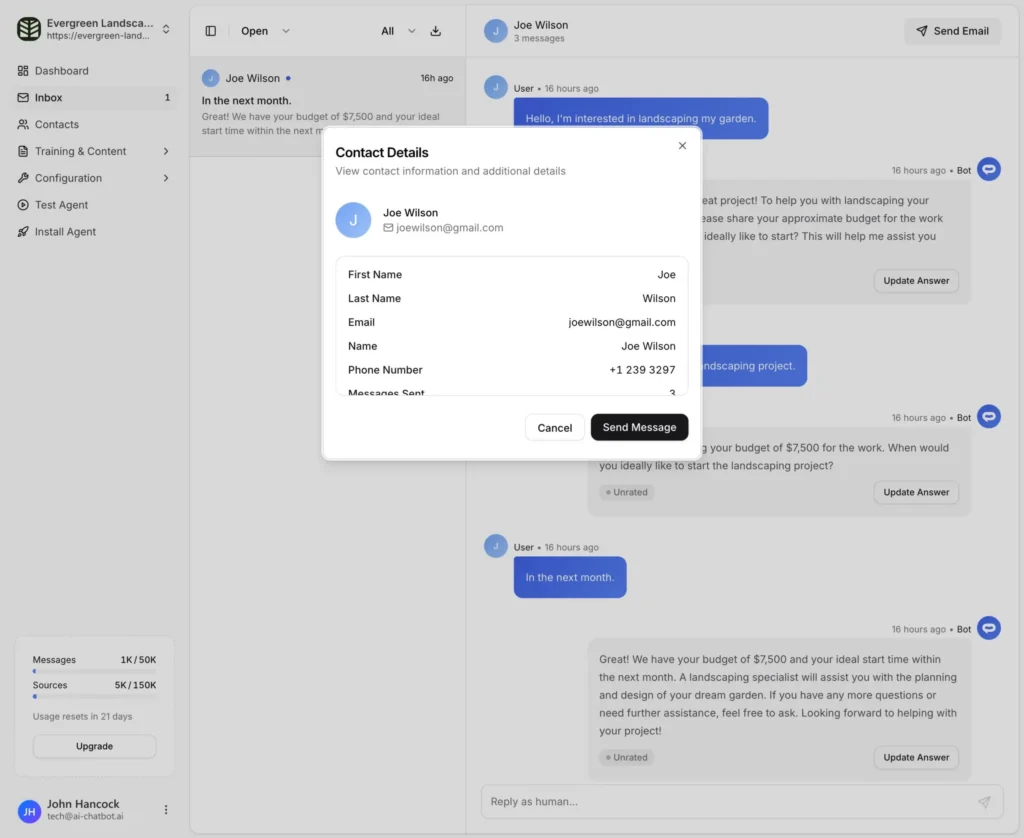
Photographers and designers are rarely at their desk. A showit chatbot catches inquiries while you are on a shoot, in a client meeting, or finishing an edit. Leads get instant answers, and you get their contact details delivered straight to your inbox or CRM.
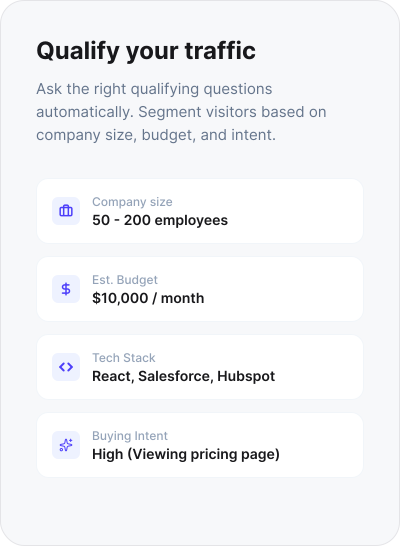
Pre-qualify your dream clients
Not every inquiry is a fit. The chatbot asks the qualifying questions you would normally ask (event type, date, budget, location) so by the time you follow up, you already know if they are a dream client or a polite no.
Book consultations without the email back-and-forth
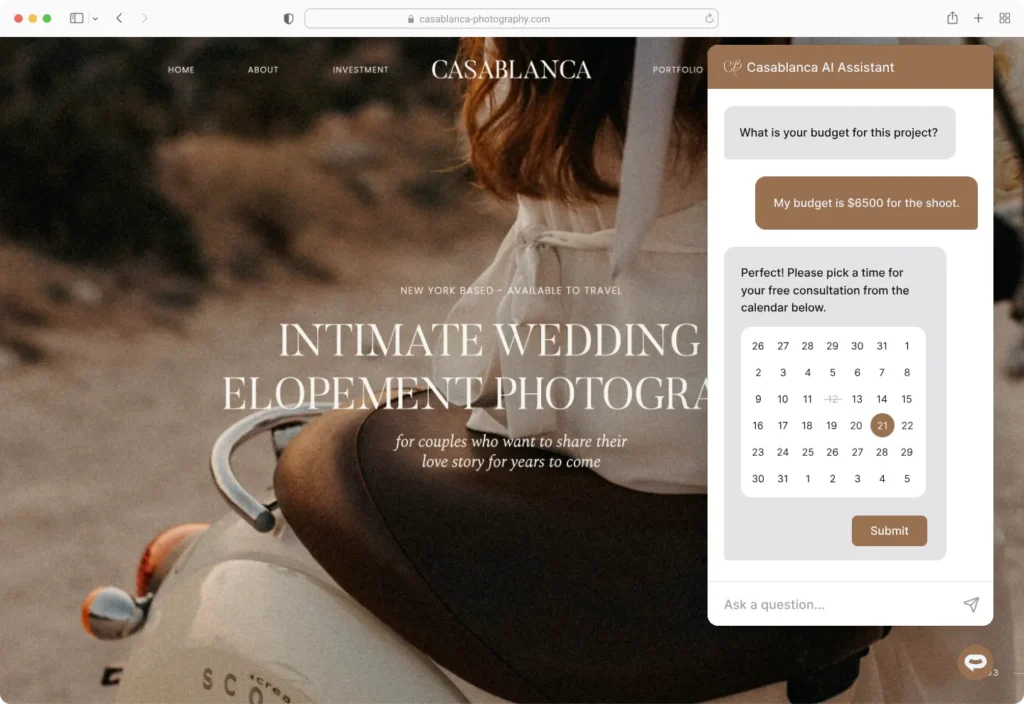
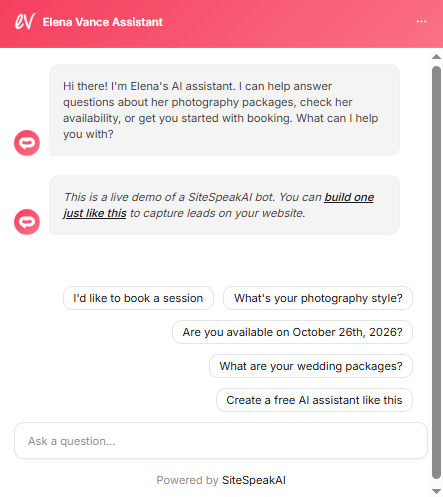
Connect Calendly, Cal.com, or any scheduling tool and prospects book a consultation call inside the chat. No more "here are my available times" emails. Your calendar fills with qualified, scheduled calls.
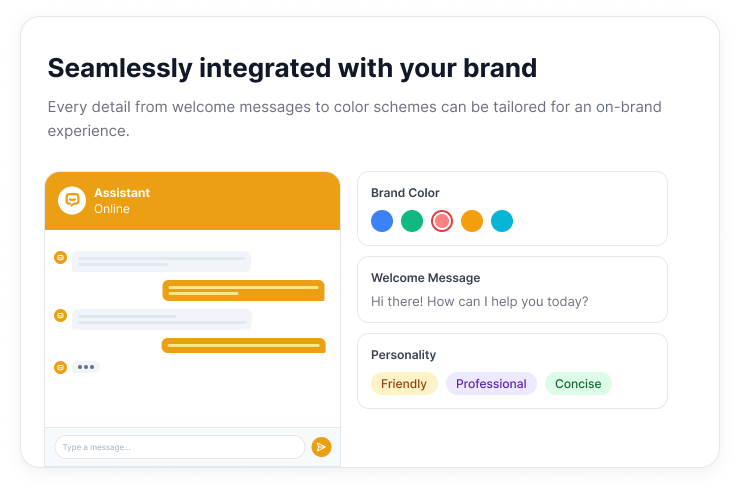
Match your brand
Your Showit site is a visual identity. The chatbot widget matches it. Customise colors, icons, welcome messages, and tone so the chatbot feels like part of your brand, not a bolt-on.
Book more dream clients from Showit
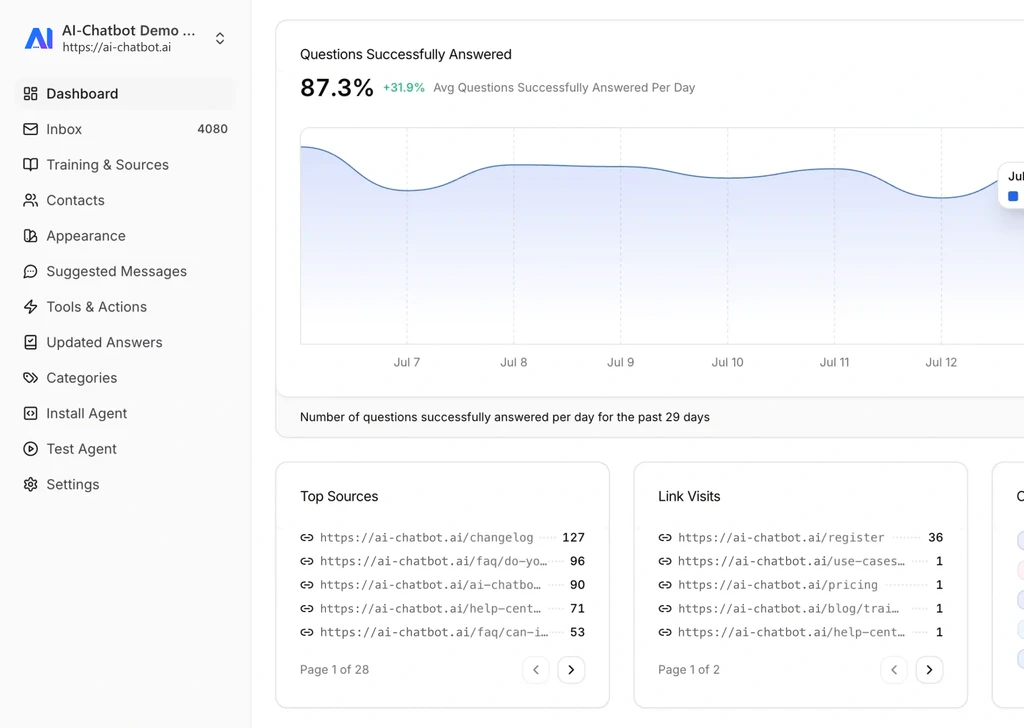
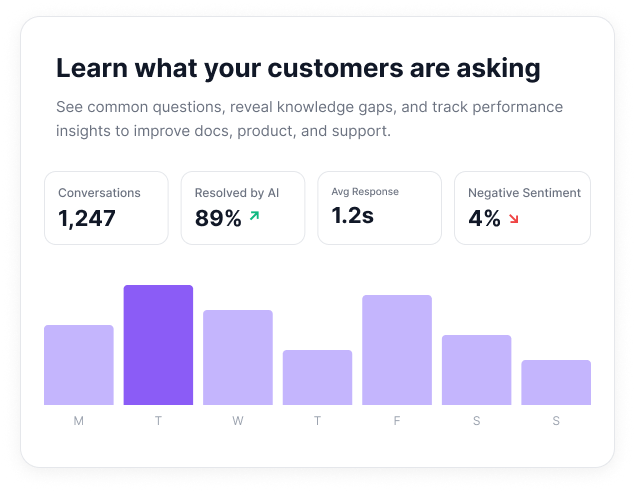
Train it. Brand it. Track it.
Connects with the tools you already use
Frequently asked questions
Everything you need to know about SiteSpeakAI. Can’t find what you’re looking for? Start a free trial and see it in action.
How do I install SiteSpeakAI on my Showit site?
Will it match my site's branding?
Can it book consultations directly?
What should I train it on?
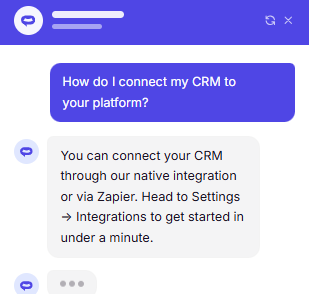
Does it work with my CRM or email tool?
Can it screen out inquiries that are not a good fit?