You spent months perfecting your website design. Then a generic chatbot widget appears in the corner, looking like it belongs on a completely different site.
Trust Issues
Visitors are skeptical of chatbots that look out of place. If it doesn’t match your brand, they assume the answers won’t match your quality standards either.
Limited Options
Most chatbots let you change a color or two. That’s it. No avatar options, no launcher customization, no control over the conversation tone or personality.
Robotic Responses
Generic, templated responses feel cold and impersonal. Customers can tell they’re talking to a bot that doesn’t understand your brand voice.
How It Works
Get started in minutes
1
Upload your branding
Add your logo, choose your brand colors, and upload a custom avatar for your AI agent.
2
Set the personality
Define how your AI should communicate. Formal or casual? Friendly or professional? You decide.
3
Preview and adjust
See exactly how your chatbot will look and feel before going live. Tweak until it’s perfect.
Benefits
What you get
Full Visual Customization
Colors, chat bubble styles, launcher position, and more. Match your website exactly.
Custom Avatars & Logos
Upload your own avatar image and logo. Give your AI a face that represents your brand.
Personalized Responses
Use visitor names and data in responses. Make every interaction feel personal.
Custom Welcome Messages
Set the perfect greeting for different pages or user segments.
Powerful yet simple to use
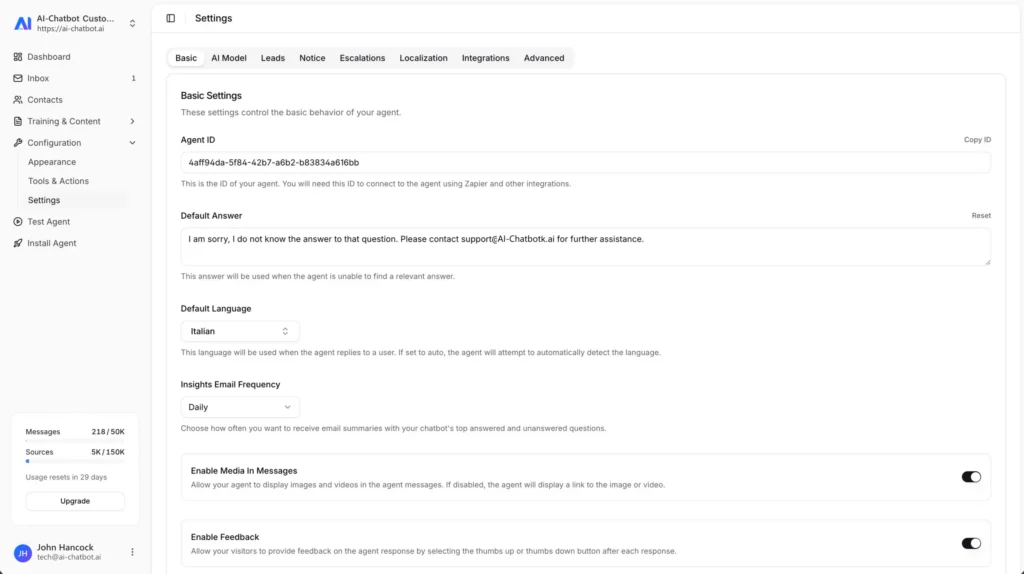
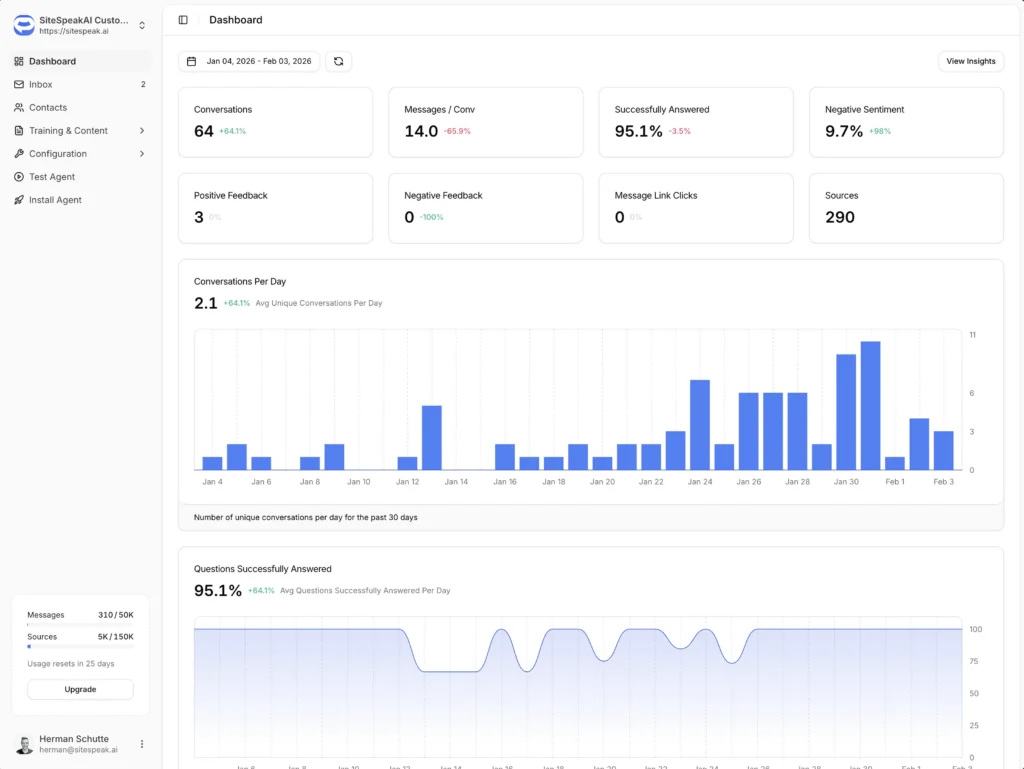
Everything you need is just a few clicks away. Our intuitive interface makes it easy to configure, customize, and deploy your AI assistant without any technical expertise.
Intuitive dashboard with real-time updates
No coding required to get started
Live preview as you customize
Walter Goodman
Online Marketing Manager
The platform is very intuitive to set up and use. I was able to train the chatbot directly from our site maps with ease.
Use Cases
Who benefits most
Enterprise Brands
Maintain strict brand guidelines with pixel-perfect customization that matches your design system.
Agencies
Create white-label chatbots for clients that look like they were built in-house.
E-commerce
Match your store's personality and create a shopping assistant that feels native.
Use Cases
Frequently asked questions
Everything you need to know about AI Chatbot. Can’t find what you’re looking for? Start a free trial and see it in action.
What can I customize?
Everything visual: colors, chat bubble style, launcher position, avatar, logo, welcome message, placeholder text, and more. You can also customize the AI’s personality and tone of voice.
Can I remove AI Chatbot branding?
Yes, on our Business and Enterprise plans you can remove all AI Chatbot branding for a fully white-label experience.
Can I customize responses for different pages?
Yes. You can set different welcome messages and suggested prompts based on which page the visitor is on.
How do I personalize responses with customer data?
You can pass visitor information (name, email, plan, etc.) to the chatbot via JavaScript. The AI can then use this data in its responses.
Explore More
Related features
AI Training
Stop answering the same questions over and over. Train...